Lab capture
Build and verify a workbench camera dataset
Turn CAD into an Isaac Sim scene, capture RGB, depth and masks, then check the result on a CPU.
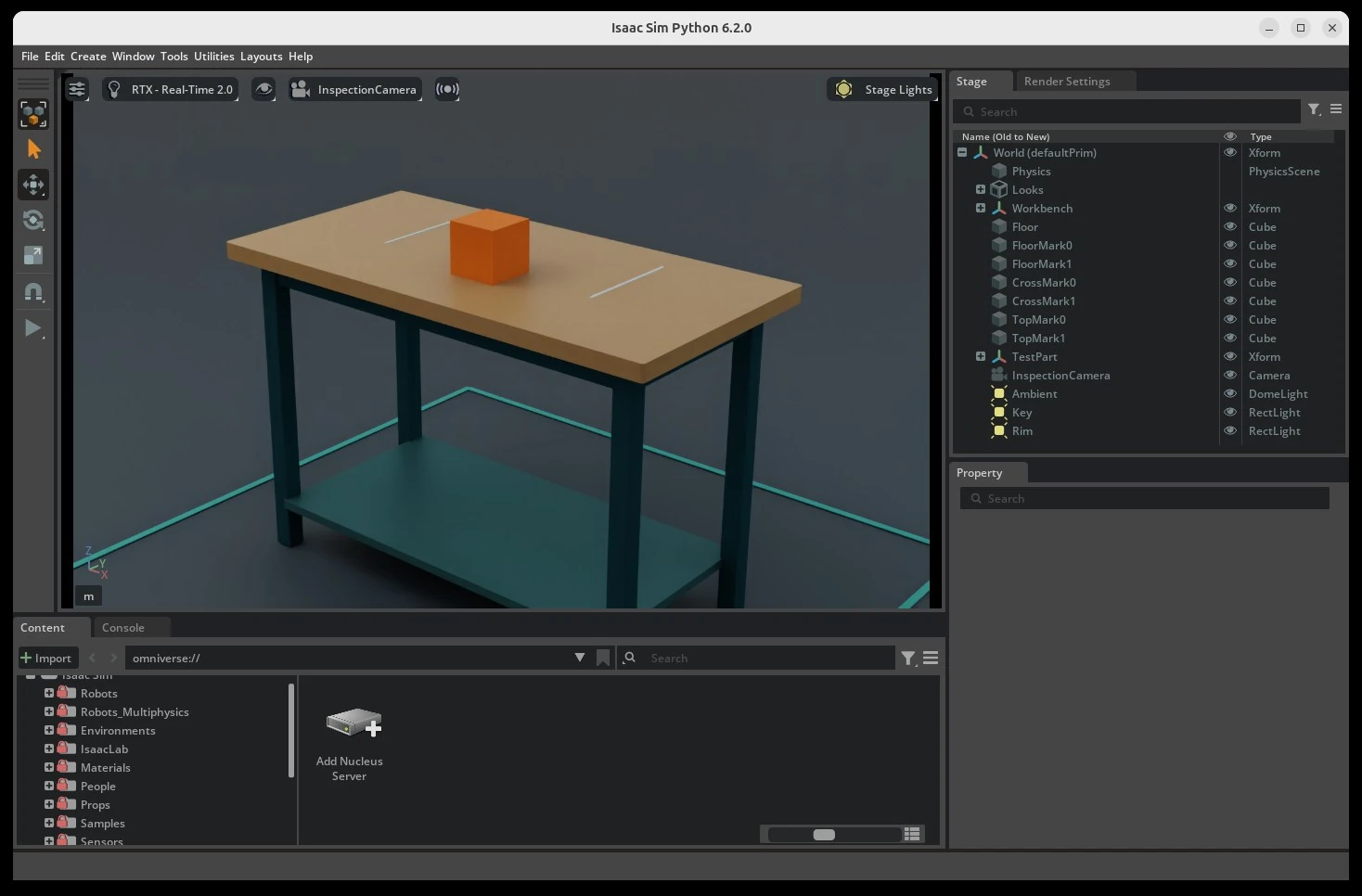
Build a scene from CAD, capture color and depth, and check that the labels line up.
View pathLab capture
Turn CAD into an Isaac Sim scene, capture RGB, depth and masks, then check the result on a CPU.
Recorded run
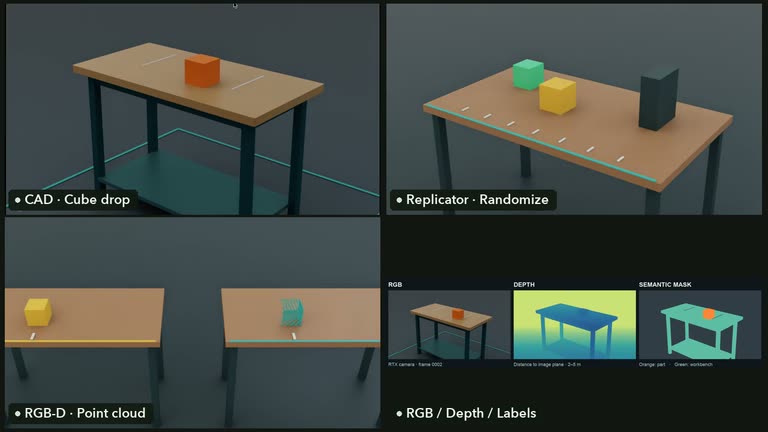
Open a CAD workbench, vary the camera scene in Replicator, and inspect RGB, depth, labels, and a reconstructed point cloud.
Advanced lab
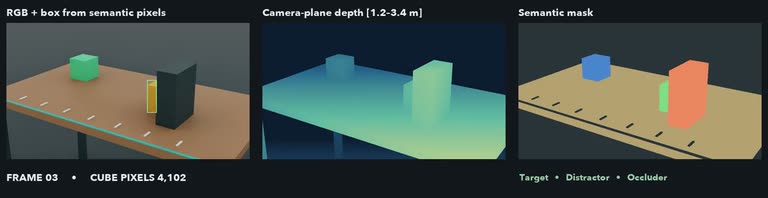
Inspect RGB, camera-plane depth, and semantic masks from 12 captured frames.